You can't just click it away.
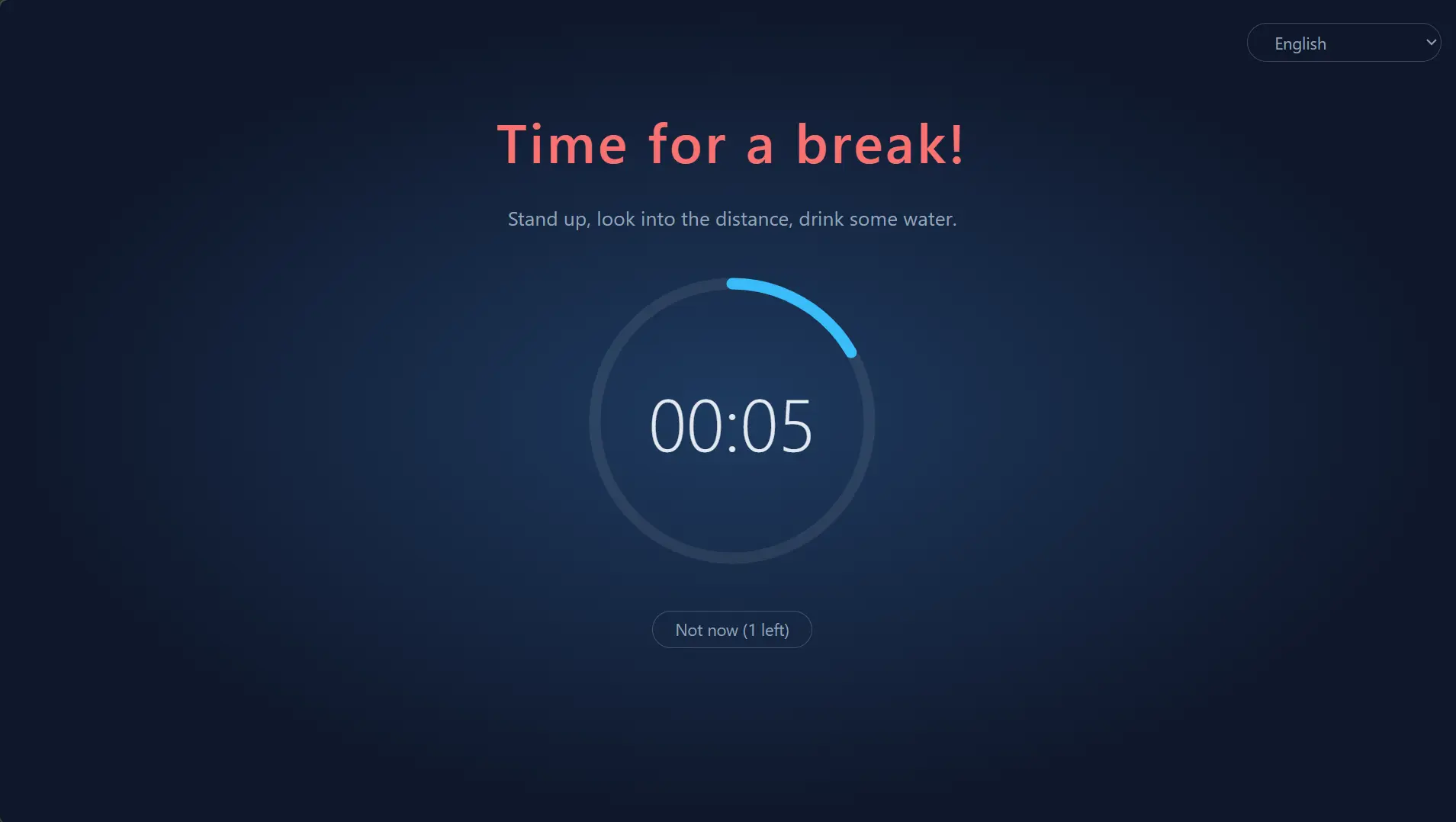
On High, the overlay covers every screen until the break is over.

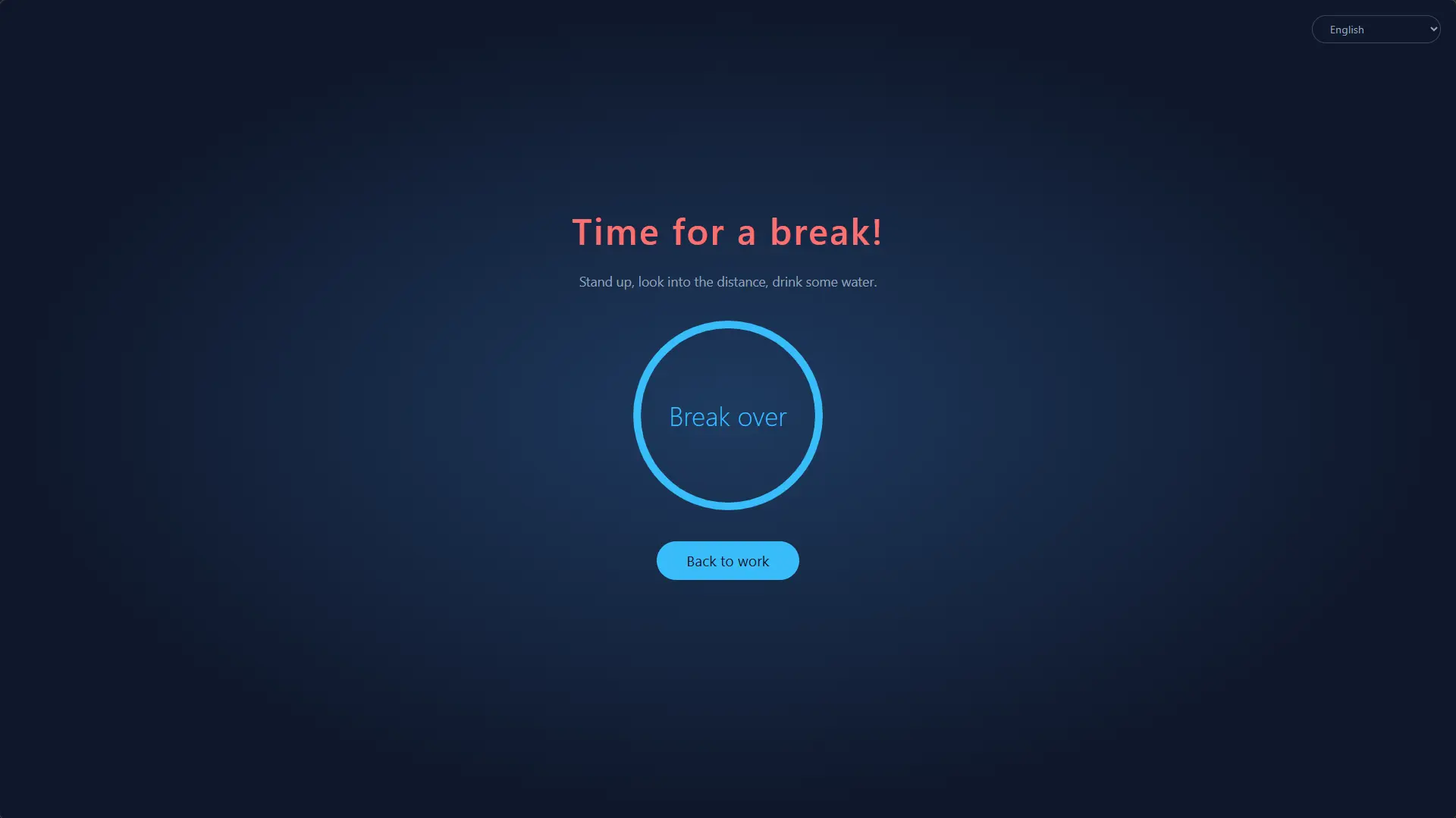
The break reminder you can't ignore.
A free, open-source break reminder for Windows, macOS and Linux that can remind you to rest, or make you.
Free and open source · MIT / Apache-2.0
Most break reminders are easy to ignore: a notification pops up, you dismiss it, and "just five more minutes" turns into two hours. Long stretches at a screen are linked to eye strain, dry eyes, neck and back pain, and repetitive strain injury (RSI). Advice like the 20-20-20 rule or a short break every hour only helps if you actually take the break.
RestGuard is for people who know they should rest but keep putting it off:
On High, the overlay covers every screen until the break is over.
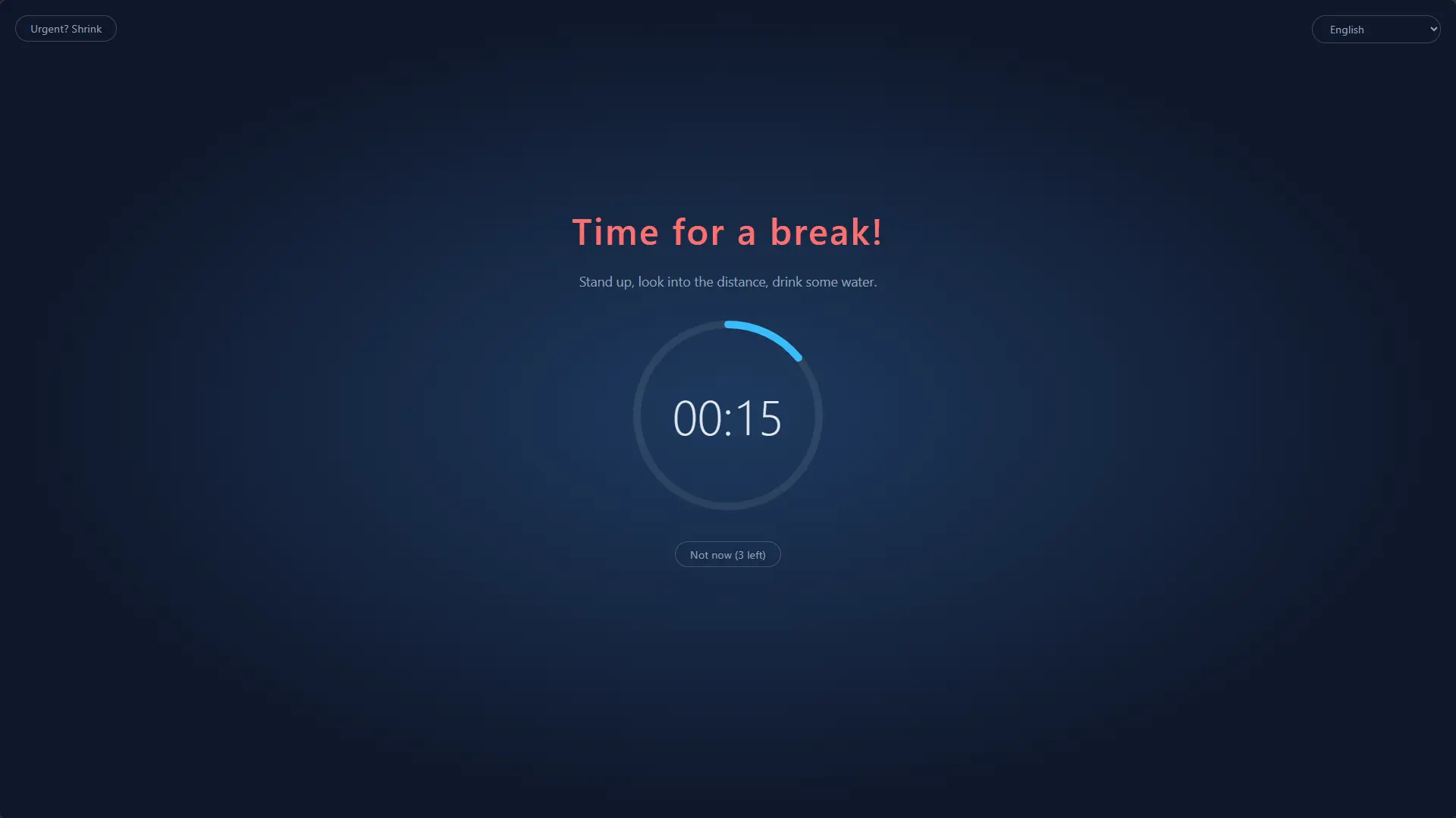
Postpones, urgent mode and meeting detection keep a break from ruining a call or costing you unsaved work.
Pick High, Medium or Low, or build your own profile.
Pick how firm it should be. Enforcement is what sets RestGuard apart from other break reminders.
| High | Medium (default) | Low | |
|---|---|---|---|
| Postpones | 1 | 3 | 3 |
| Urgent mode (shrink overlay) | ✗ | ✓ | ✓ |
| Meeting-app detection | ✗ | ✓ | ✓ |
| Close / skip this break | ✗ | ✗ | ✓ |
| Screen coverage | 100% | 100% | 80% |
| Draggable overlay | ✗ | ✓ | ✓ |
A 10-minute break after every 60 minutes of work, on every monitor. Alt+F4 does nothing, and you can't quit from the tray mid-break.
Start a custom profile from any level and tune postpones, skipping, urgent mode, coverage and dragging. Keep as many as you like.
Waits while Zoom, Teams, Webex or Tencent Meeting is in use, and pauses the countdown when you're away from the keyboard.
A sound plays when the break is over, and ntfy can push it to your phone and smartwatch, so you know when to come back.
Rust + Tauri 2 on the system WebView. Downloads are only about 3–6 MB, dozens of times smaller than Electron-based alternatives, and it barely uses any resources in the background.
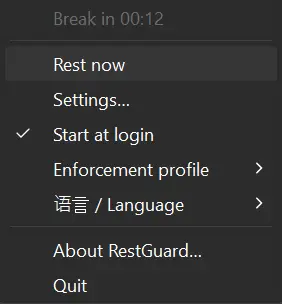
13 UI languages, following the system by default. Switch any time from the tray menu.
| RestGuard | Stretchly | Workrave | Safe Eyes | |
|---|---|---|---|---|
| Windows | ✓ | ✓ | ✓ | ✗ |
| macOS | ✓ | ✓ | ✗ | ✗ |
| Linux | ✓ | ✓ | ✓ | ✓ |
| Download size | ~3–6 MB | Windows 163 MB macOS 187 MB Linux 155 MB |
Windows 61 MB Linux 64 MB |
Linux 0.3 MB |
| Enforcement | 3 levels + custom profiles | Strict mode on/off | Can block input and screen | Can disable the keyboard |
| Holds breaks during meetings | Detects Zoom, Teams, Webex, Tencent Meeting | Follows Do Not Disturb; per-app exclusions | — | — |
| Phone / smartwatch alert when a break ends | ✓ (ntfy) | — | — | — |
| Built with | Rust + Tauri (system WebView) | Electron (bundles Chromium) | C++ | Python + GTK |
| License | MIT / Apache-2.0 | BSD-2-Clause | GPL-3.0 | GPL-3.0 |
— means not built in. Download sizes are of each project's latest GitHub release (Stretchly 1.22.1, Workrave 1.11.5, Safe Eyes 3.5.1): the Windows installer or exe, the macOS download and the Linux .deb. Based on each project's documentation as of November 2026; if something here is wrong, please open an issue.
Package managers keep RestGuard up to date. Direct downloads are portable and don't update on their own.
winget install HansTanzi.RestGuardscoop bucket add hanstanzi https://github.com/HansTanzi/scoop-bucket
scoop install hanstanzi/restguardA portable single exe with no installer: put it anywhere and delete it to uninstall. Requires the WebView2 runtime (preinstalled on Windows 11).
brew install --cask hanstanzi/tap/restguardUniversal build for Apple Silicon and Intel. Unzip and move RestGuard.app to /Applications. The app isn't notarized, so clear the quarantine flag before first launch:
xattr -dr com.apple.quarantine /Applications/RestGuard.appsudo install -d /etc/apt/keyrings
curl -fsSL https://hanstanzi.github.io/apt/hanstanzi.gpg | sudo tee /etc/apt/keyrings/hanstanzi.gpg > /dev/null
echo "deb [signed-by=/etc/apt/keyrings/hanstanzi.gpg] https://hanstanzi.github.io/apt stable main" | sudo tee /etc/apt/sources.list.d/hanstanzi.list
sudo apt update && sudo apt install rest-guardsudo dnf install ./RestGuard_*_x86_64.rpm # Fedora
sudo zypper install ./RestGuard_*_x86_64.rpm # openSUSE
sudo pacman -U ./RestGuard_*_x86_64.pkg.tar.zst # Archx86_64 only. The overlay needs X11. Homebrew on Linux is supported too, see the README.
Release files are built by GitHub Actions with a signed build provenance attestation. Check one with the GitHub CLI:
gh attestation verify RestGuard_<version>_x64.exe --repo HansTanzi/RestGuardOr compare against SHA256SUMS.txt from the Release:
sha256sum -c SHA256SUMS.txt --ignore-missing          # Linux
shasum -a 256 -c SHA256SUMS.txt --ignore-missing      # macOS
Get-FileHash .\RestGuard_*_x64.exe # WindowsBetween breaks, yes: choose "Quit" in the tray menu. During a break, or while a postponed break is still owed, Quit is disabled.
On Medium and Low, the break waits while Zoom, Microsoft Teams, Webex or Tencent Meeting is in the foreground (Windows, macOS; on Windows also while it uses the microphone). If a break has already started, click "I'm in a meeting" to be reminded in 15 minutes. On High, breaks don't wait.
Postpone the break by 5 minutes (up to 3 times on Medium and Low, once on High), or on Medium and Low use urgent mode to shrink the overlay and save your work while the countdown keeps running.
No. After 5 minutes without keyboard or mouse input the work countdown pauses, and being away as long as a break counts as a full break.
RestGuard isn't notarized by Apple. Install it with Homebrew, or run xattr -dr com.apple.quarantine /Applications/RestGuard.app once.
Not reliably: Wayland doesn't let apps keep their windows on top, so use an X11 session.
No. There are no accounts, analytics or telemetry. See the privacy policy.
Bug reports, ideas, translations and pull requests are all welcome. CONTRIBUTING.md covers the development setup, checks and how to improve a translation; changes in each version are in CHANGELOG.md. Please report security issues privately as described in SECURITY.md.
If RestGuard helps you rest, a ⭐ helps others find it.